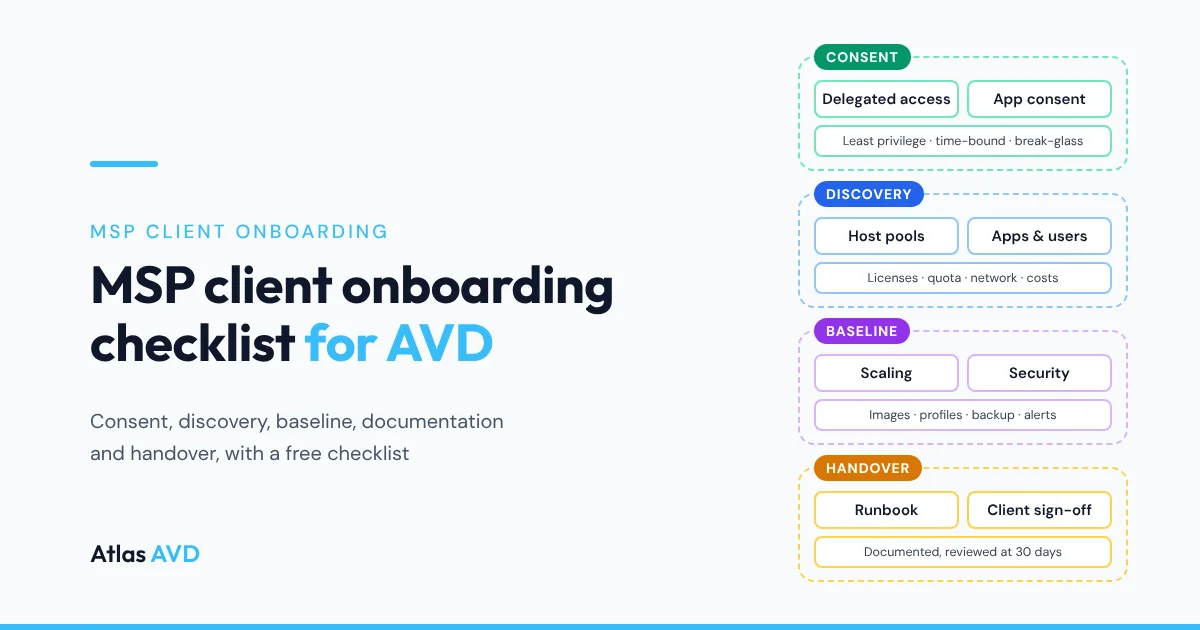
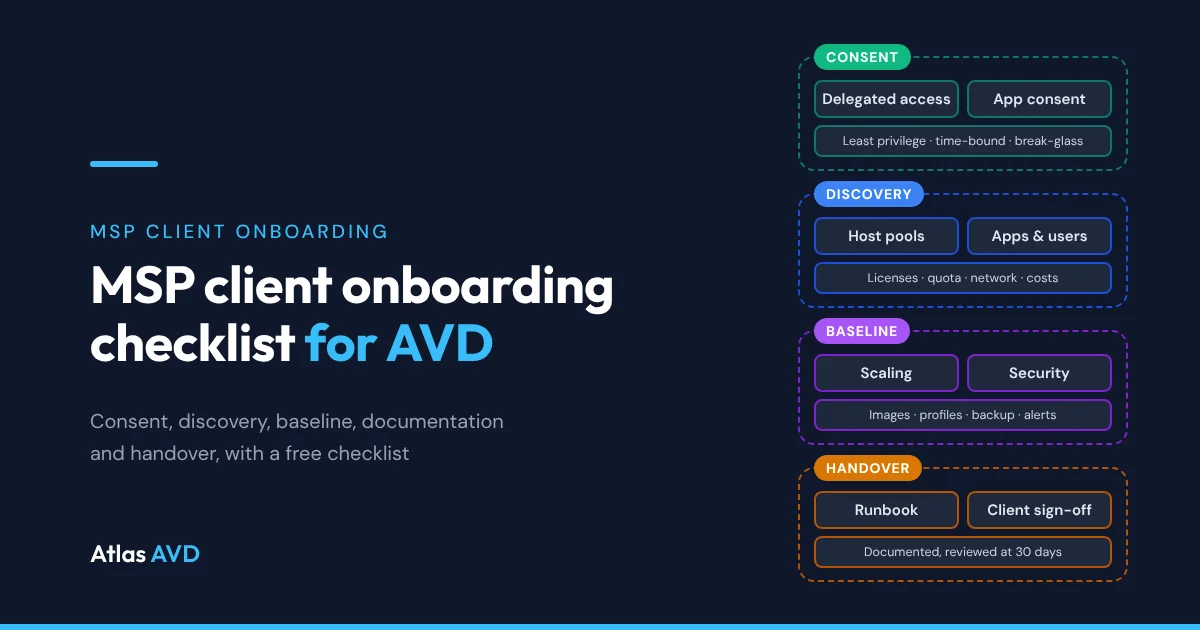
An MSP client onboarding checklist for Azure Virtual Desktop (AVD) takes a new client through six phases: kickoff, tenant access and consent, discovery, baseline, documentation, and handover with a 30-day review. Get least-privilege access the client can see and revoke, write down what exists before you change it, bring it up to your standard, and finish with written sign-off.
The short version: most onboardings that go wrong skip a step that feels optional: the old provider's access is never removed, nobody records the cost before the changes, or the service desk meets the client on the first outage. The 38 items below catch those. Each one has an owner and a "done when" test, and the whole list is a free Excel checklist you can copy for every client.
How to use this checklist
Work through the phases in order. Documentation runs alongside the others and is finished by handover. Every item has a "Done when" test: something you can show the client, not something you believe. Copy the checklist workbook for each new client, set a status on every row, and mark a row "Not applicable" rather than deleting it, so the client can see you considered it.
| Phase | When, for a typical small client | What it's for |
|---|---|---|
| Kickoff and scope | Day 1 | Agree what you're taking on, who decides, and what done looks like |
| Tenant access and consent | Days 1 to 5 | Get the access you need, no more, in a form the client can see and revoke |
| Discovery | Week 1 | Write down what's there today before you change any of it |
| Baseline | Weeks 2 to 3 | Bring the environment up to the standard you run every client on |
| Documentation | Throughout, finished by handover | Make sure any technician can support the client at 2 a.m. without asking anyone |
| Handover and the first 30 days | Weeks 3 to 4, then day 30 | Move the client from onboarding to normal service, with proof it worked |
The timings assume a client with one or two host pools and up to a hundred users. A larger estate takes longer in discovery and baseline, but the order doesn't change. The list is vendor-neutral: it works with Microsoft's own tools, your RMM and documentation platform, or a management platform such as Atlas AVD.
1. Kickoff and scope
Onboarding starts before you touch the tenant. Agree what you're taking on and what "finished" means, so the handover meeting in week four checks against criteria the client already accepted.
| # | Task | Done when | Owner |
|---|---|---|---|
| 1 | Confirm the signed scope: which host pools, users and services you manage, and who pays the Azure bill | The agreement lists the in-scope environment and states whether Azure is billed to the client's subscription or through you | Both |
| 2 | Name a client sponsor and a day-to-day contact | Both names, with phone and email, are in the client record, and the client has said who approves changes | Client |
| 3 | Agree the onboarding dates and the go-live criteria | A shared plan has dates for access, discovery, baseline and handover, and the criteria for calling onboarding finished | Both |
| 4 | Agree how the client raises tickets and what counts as urgent | The client has your support address, phone number and priority definitions in writing | MSP |
Settle who pays the Azure bill now. If the subscription stays in the client's name, they see every charge directly; if you bill it through the Cloud Solution Provider (CSP) program, your monthly price has to cover it. How to sell AVD to SMB clients covers the proposal that usually comes before this meeting.
2. Tenant access and consent
This is the phase clients remember. Ask for the access the work needs and no more, in a form the client's administrator can see in their own tenant and remove without calling you.
| # | Task | Done when | Owner |
|---|---|---|---|
| 5 | Set up delegated admin for Microsoft 365 and Entra ID (GDAP if you're a Cloud Solution Provider partner) | The client has approved the relationship, and each role is assigned to a security group in your tenant, not to named technicians | Both |
| 6 | Delegate the Azure subscriptions that hold AVD (Azure Lighthouse, or role assignments in the client's tenant) | Your team sees the AVD subscriptions with the least-privileged roles that do the job, such as Desktop Virtualization Contributor, and nobody holds Owner by default | Both |
| 7 | Grant admin consent for each management tool's app registration | The client's administrator has reviewed each app's permissions and granted consent, and every client secret's expiry date is recorded | Both |
| 8 | Confirm the client has two emergency access (break-glass) accounts | Two cloud-only Global Administrator accounts exist, the client holds their credentials, and a sign-in to either raises an alert | Client |
| 9 | Remove the previous provider's access | No admin relationship, Lighthouse delegation, guest account, role assignment or app registration from the old provider remains | Both |
| 10 | Record every account and secret you hold for the client | Each one is in your credential vault under the client's record, with an owner and an expiry or rotation date | MSP |
GDAP, Azure Lighthouse or an app registration
Most AVD clients need more than one kind of access, because Microsoft 365 administration, Azure resources and management tools are granted in different places.
| Method | What it covers | Who grants it | Time limit | Use it for |
|---|---|---|---|---|
| Granular delegated admin privileges (GDAP) | Microsoft Entra roles in the client's tenant, such as User Administrator or Helpdesk Administrator | The client's Global Administrator approves a request from Partner Center | Yes: up to two years, then renewed | User, license and Entra administration, if you're a CSP partner |
| Azure Lighthouse | Azure role assignments on the client's subscriptions or resource groups, used from your own tenant | The client deploys a template that names your tenant, groups and roles | No, until the client removes it | Managing host pools, VMs and storage across many clients |
| Role assignments in the client's tenant | Azure roles for named accounts or groups that live in the client's tenant | A client administrator with permission to assign roles | No, unless you use Privileged Identity Management | Clients who don't want cross-tenant delegation |
| App registration with admin consent | API permissions and Azure roles for a management tool's service principal | A client administrator who can grant tenant-wide admin consent | Its client secret or certificate expires | Monitoring, automation and management tools |
For AVD itself, the built-in Desktop Virtualization roles let you give each person or tool only what it needs: Desktop Virtualization Contributor to manage host pools, application groups and workspaces, and Desktop Virtualization Reader to see them. Azure Lighthouse supports most built-in roles but not Owner, which is a good default anyway. Granting tenant-wide admin consent to an app's Microsoft Graph application permissions needs a Global Administrator or Privileged Role Administrator in the client's tenant, so book that person's time at kickoff.
Two items in this phase protect you as much as the client. Two emergency access ("break-glass") accounts, which Microsoft recommends for every tenant, mean nobody is locked out if Conditional Access or MFA fails. Removing the previous provider's access closes a door you'd otherwise be blamed for later. Store every credential and secret you're given in one place with an expiry date: where MSPs should store client credentials compares the options.
3. Discovery
Write down what's there before you change any of it. Discovery is your baseline for every later conversation: what you inherited, what it cost, and which problems were already there on day one.
| # | Task | Done when | Owner |
|---|---|---|---|
| 11 | Inventory host pools, session hosts, application groups and workspaces | For each host pool you have its type, region, VM size, host count, maximum sessions per host, load-balancing method and scaling setup | MSP |
| 12 | Inventory images and applications | The image source and version are known, and every line-of-business app has a version, a license key location and a vendor contact | Both |
| 13 | Inventory user profiles and data | You know where FSLogix profiles are stored, their total size, the share permissions and whether they are backed up | MSP |
| 14 | Check every AVD user's license | Each user has a license that includes the AVD access right, and the count matches the number of people using AVD | Both |
| 15 | Record identity: join type, Conditional Access and MFA | You know whether hosts are Entra joined, hybrid joined or domain joined, and which Conditional Access policies apply to AVD sign-ins | MSP |
| 16 | Map the network | Virtual networks, DNS servers, links to any office or datacenter, and any private endpoints the hosts depend on are drawn on one diagram | MSP |
| 17 | Record today's monthly cost and vCPU quota | Last month's AVD spend by resource type is saved, with the vCPU quota and current use for each VM family in each region | MSP |
| 18 | Record today's monitoring and backup | You know which diagnostics go to Log Analytics, which alerts exist and who receives them, and what is backed up and how often | MSP |
| 19 | List known issues and user complaints | Each open problem has a description, the users affected and the client's priority | Client |
The license check matters more than it looks. Each AVD user needs an eligible license for the access right: Microsoft 365 Business Premium, E3, E5 and F3 and Windows Enterprise E3 and E5 include it for Windows 11 Enterprise multi-session, and Windows Server session hosts need RDS CALs with Software Assurance or RDS User Subscription Licenses instead. A gap you find now is a line in your proposal; a gap an auditor finds later is a problem for both of you.
Record vCPU quota while you're in the subscription. Quota is set per VM family and per region, and a client who's already near the limit will hit it the first time you scale out or rebuild hosts. If the client is moving to AVD from another platform rather than handing you an existing estate, run the AVD migration checklist alongside this phase.
4. Baseline
Bring the environment up to the standard you run every client on. A common baseline is what makes ten clients cost little more to support than one: the same scaling approach, image routine, security settings and alert routing everywhere.
| # | Task | Done when | Owner |
|---|---|---|---|
| 20 | Put every pooled host pool on a scaling schedule | Hosts follow the client's business hours, and personal host pools start on connect instead of running all day | MSP |
| 21 | Set up a versioned golden image and an update routine | The image has a version number, and the client has agreed when monthly updates roll out and how hosts are replaced | MSP |
| 22 | Apply your security baseline to the session hosts | Endpoint protection is onboarded, MFA is required for AVD sign-ins, and clipboard, drive and printer redirection match what the client agreed | Both |
| 23 | Standardize FSLogix settings and watch profile capacity | Every host uses the same profile settings, and an alert fires before the profile share runs out of space | MSP |
| 24 | Back up profiles and any persistent hosts, and test a restore | Backups run on a schedule, and one profile has been restored successfully | MSP |
| 25 | Route monitoring and alerts to your service desk | AVD diagnostics go to Log Analytics, and host, capacity and cost alerts open tickets with you, not emails in the client's inbox | MSP |
| 26 | Record the cost baseline and set a budget alert | The month before your changes is saved as the baseline for savings reports, and an Azure budget alert is set | MSP |
| 27 | Apply your naming and tagging standard | New and existing AVD resources carry your client, environment and cost-center tags | MSP |
Record the cost baseline (item 26) before you turn on scaling. Scaling is usually the biggest saving you'll make in the first month, and without the month before it you can't show the client what it saved. Route alerts to your service desk rather than the client's inbox: an alert the client sees before you do is a support call you've already lost.
Keep the baseline to what you'd defend in a review. Every exception you allow, such as a host pool that runs all day for a night shift, goes in the client record with the reason, so the next technician doesn't "fix" it.
5. Documentation
Documentation runs through every phase, and it's done when any technician on your team can support the client at 2 a.m. without asking the person who onboarded them.
| # | Task | Done when | Owner |
|---|---|---|---|
| 28 | Create the client record | Contacts, sites, tenant ID, subscription IDs and the agreement are in one record in your documentation platform | MSP |
| 29 | Draw the environment diagram | One diagram shows host pools, image, profile storage, network and identity, and it matches what discovery found after baseline | MSP |
| 30 | Write the runbooks your service desk will use | Add a user, remove a user, update the image, replace a host and handle an outage each have written steps | MSP |
| 31 | Record line-of-business vendors and their support terms | Each vendor has a contact, a contract or account number and the hours they support | Both |
| 32 | Set reminders for everything that expires | Client secrets, certificates, domains, reserved instances and license renewals each have a dated reminder with an owner | MSP |
Documentation written during onboarding is the most accurate it will ever be, so write it then, not after handover. MSP documentation best practices covers what to record for every client and how to keep it current, and the best IT documentation software for MSPs compares where to keep it.
6. Handover and the first 30 days
Handover moves the client from your onboarding team to normal service. It ends with written sign-off against the go-live criteria you agreed at kickoff, and a review at day 30 when you have a month of real data.
| # | Task | Done when | Owner |
|---|---|---|---|
| 33 | Tell users what's changing and how to get help | Users have had a short note with any change to how they connect and the number to call | Both |
| 34 | Brief your service desk | The team that takes the client's calls has walked through the client record, the diagram and the runbooks | MSP |
| 35 | Hold the handover meeting | You've shown the sponsor what changed, the open issues and how to raise tickets, and sent notes the same day | Both |
| 36 | Get written sign-off | The sponsor has confirmed by email that onboarding meets the go-live criteria agreed at kickoff | Client |
| 37 | Send the first monthly report | The client has a report with health, incidents and cost against the baseline | MSP |
| 38 | Hold the 30-day review | Scaling and host sizes are tuned to real use, cost is compared with the baseline, and every discovery issue is closed or scheduled | Both |
The 30-day review is where onboarding pays for itself. Compare cost with the baseline you recorded, tune scaling and host sizes to how people really work, and close the issues you found in discovery. A client who sees those three things at day 30 rarely questions the monthly invoice at day 90.
Common onboarding mistakes
| Mistake | What it costs | The item that prevents it |
|---|---|---|
| Asking for Global Administrator or Owner "to be safe" | The client's security review stalls, and you carry the risk of every action anyone on your team takes | Items 5 and 6: least-privilege roles assigned to groups |
| Leaving the old provider's access in place | Someone you don't control can still change the client's environment, and it'll look like you did it | Item 9 |
| Changing things before discovery | You can't tell what you broke from what was already broken | Phase 3, before any of phase 4 |
| No cost baseline | You can't prove the savings you promised in the sale | Item 26 |
| An app secret nobody tracks | A management tool stops working the day its client secret expires | Items 7 and 32 |
| The service desk meets the client on the first outage | Slow first fixes, and a client who thinks nobody knows their setup | Item 34 |
Download the checklist
The MSP client onboarding checklist for AVD (Excel, .xlsx) has every item above, numbered the same way, with its phase, its "done when" test and its owner. Blue columns are for you to fill in: a status from a drop-down (Not started, In progress, Done, Not applicable), the date it was done and notes. The header row stays in place as you scroll, every column can be filtered (by owner, for a client meeting, or by status, for a weekly review), and it prints on landscape pages one sheet wide.
Save a copy per client and send the finished one to the client's sponsor with the sign-off. It's free to use and adapt for your own clients.
Where Atlas AVD helps
Everything above works with Azure Virtual Desktop as Microsoft ships it. Atlas AVD is a management platform that deploys into your own Azure subscription, and it shortens the access, discovery and baseline phases for each new client.
- Consent the client can review. The Tenant List's Required Permissions panel lists every API permission and Azure role Atlas needs, marked Required or Optional, and Manual setup script creates the client's app registration, grants admin consent and assigns the Azure roles in one Cloud Shell run. Onboarding a new customer walks through it.
- Discovery in minutes. The Add Tenant wizard gives each client its own isolated database, then scans its subscriptions for host pools and session hosts; most tenants finish within a minute. See tenant isolation.
- The same baseline everywhere. Auto On/Off Scheduling, Image Management and the FSLogix Capacity Monitor cover the scaling, image and profile items in phase 4, with settings you set once and override per tenant or host pool.
- Documentation and the checklist itself. Atlas Vault keeps one record per client with credentials, expiry reminders and runbooks, and its Processes turn a procedure like this checklist into a template with tracked runs, so every onboarding has a record of who completed each step.
- The first monthly report. Per-Tenant Health Reporting emails each client a scheduled PDF report built from their own data, and Atlas Command, part of the optional MSP Capabilities upgrade at $50 per tenant a month, puts every client you run in one console.
Atlas AVD is $199 per tenant a month with unlimited AVD users. See Atlas AVD for MSPs and Azure Virtual Desktop for MSPs. Start free, no credit card: the Community plan is free forever for 1 tenant and 1 host pool, or try every feature for 30 days.
FAQ
What should an MSP client onboarding checklist include?
Six phases: kickoff and scope, tenant access and consent, discovery, baseline, documentation, and handover with a 30-day review. Each item needs an owner and a test for when it's done. For AVD clients, include host pools, images, FSLogix profiles, licensing, vCPU quota and the cost before your changes.
How long does it take to onboard a new AVD client?
For a small client with one or two host pools and up to a hundred users, three to four weeks from kickoff to handover is typical, followed by a review at day 30. Access and discovery take the first week, baseline the next two, and handover the last.
What access does an MSP need to manage a client's Azure Virtual Desktop?
Azure roles on the subscriptions that hold AVD, such as Desktop Virtualization Contributor, granted through Azure Lighthouse or role assignments in the client's tenant. Add GDAP for Microsoft 365 and Entra administration if you're a CSP partner, and admin consent for any management tool's app registration. Avoid Owner and standing Global Administrator.
Should an MSP use GDAP or Azure Lighthouse?
Usually both. GDAP grants Microsoft Entra roles for Microsoft 365 and identity administration, and lasts up to two years before it's renewed. Azure Lighthouse grants Azure roles on subscriptions and resource groups, which is what managing host pools and session hosts needs.
What should you document when onboarding an MSP client?
Contacts and the agreement, tenant and subscription IDs, a diagram of host pools, image, profile storage, network and identity, runbooks for common tasks, line-of-business vendors, and every credential and secret with its expiry date. Write it during onboarding, while it's accurate.
Is the onboarding checklist free to download?
Yes. The MSP client onboarding checklist for AVD is a free Excel workbook with all 38 items, an owner for each, and a status drop-down. Copy it for each client and adapt it to your own standards.
Last updated 19 November 2026. Microsoft details are taken from Microsoft Learn as of November 2026: Introduction to GDAP, What is Azure Lighthouse?, Azure Lighthouse tenants, users and roles, Built-in Azure RBAC roles for Azure Virtual Desktop, Grant tenant-wide admin consent to an application, Manage emergency access accounts and Licensing Azure Virtual Desktop. Microsoft changes these terms from time to time, so check them before each new client.