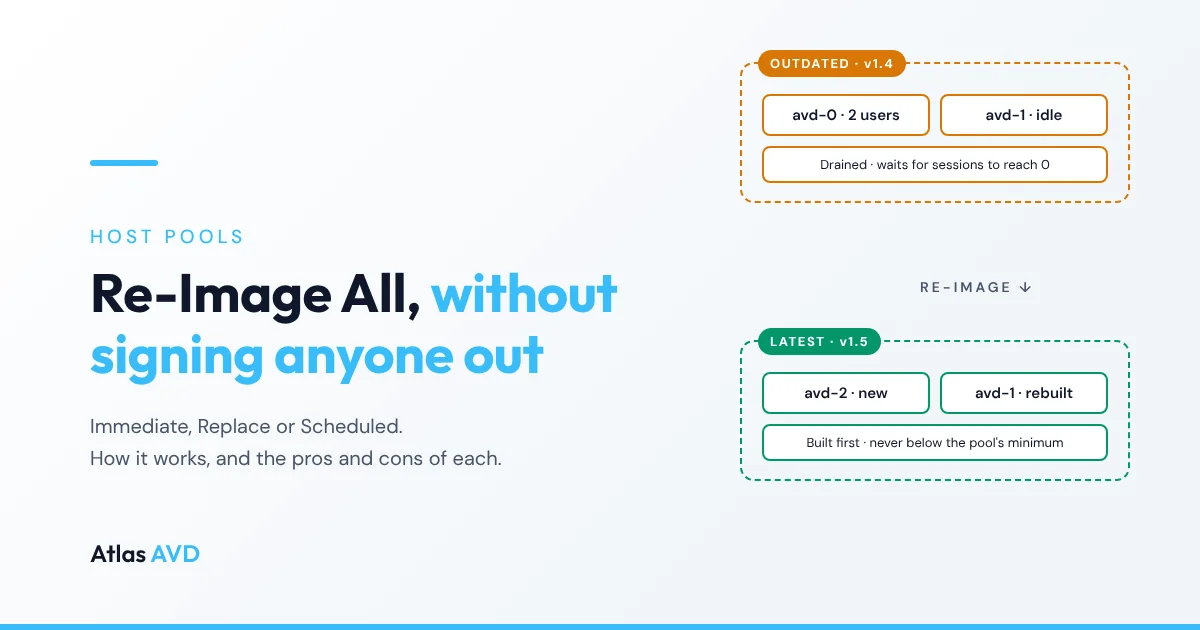
You built a new golden image. Windows updates are in, the line-of-business app is on its new version, and the image is published to your Azure Compute Gallery. New session hosts will pick it up. The twenty that are already running won't.
In the Azure portal, getting those twenty onto the new image means a loop you run by hand: drain a host, wait for its users to sign off, delete it, redeploy it from the new version, register it with the host pool, check it came back healthy, and move on to the next one. It's slow, it's easy to get wrong, and it usually happens on a weekend.
Re-Image All is the Atlas AVD button that runs that loop for you. This article covers how it works, the three modes it offers, the checks it makes before it deletes anything, and the honest pros and cons of each mode, so you can pick the right one for the pool in front of you.
Where the button is
Open a host pool and look at the toolbar above the session hosts table. Re-Image All shows a count of the hosts that aren't running the pool's selected image: either an older version of it, or a different image definition altogether. The button is shown to administrators only.
The image itself is set in the pool's Settings → Compute & Deployment → Image & Size. Pin a version, or leave it on Latest so Re-Image All always targets the newest version you've published. Changing the image there doesn't touch running hosts; Re-Image All is how you roll the change out. (See golden image management for building and versioning the image itself.)
How it works
Clicking the button opens the Re-Image All VMs panel. It lists every outdated host with its status, its current number of sessions, the image version it runs, and the version it will move to. You pick a mode, and Atlas creates a re-image operation for those hosts.
A "re-image" in Atlas is a full rebuild, not an in-place OS reset. Each host's VM is deleted and a new VM is deployed from the pool's image, using the pool's own settings: its VM size, security type, domain or Entra join, session time limits, tags and the rest of its deployment defaults. The new VM registers with the host pool and starts taking sessions like any host you'd add by hand.
From there, Atlas works through the hosts in the background, re-checking the operation about every ten minutes and straight away when a rebuild finishes. Its progress appears on the host pool page, above the session hosts table: each host shows as queued, in progress, completed, failed or deferred, with the reason when it's waiting. You can close the browser; the operation keeps going.
Before it starts: two pre-flight checks
Because a re-image deletes a VM before (or while) it builds the new one, Atlas refuses to start when it already knows the rebuild would fail:
- The image must be available in the pool's region. If the image version hasn't been replicated to the pool's Azure region, or is still replicating, the panel blocks the button and says which regions it is replicated to. Without this check, the hosts would be deleted and then fail to redeploy.
- The pool needs VM admin credentials. A redeploy needs a local admin username and password, inherited from the tenant or set on the pool's deployment defaults. If none are configured, the panel blocks the button and points you to them.
Before each host is deleted: the drain guard
The session counts in the panel are a snapshot. Before Atlas deletes any host, it puts that host into drain mode (no new sessions) and reads its live session count from Azure again. If anyone is signed in, the host is not deleted. It stays drained so its users can finish and sign off, and it's marked deferred in the progress panel with the reason. When the host reaches zero sessions, a later pass rebuilds it.
This closes the gap where a user signs in to a host in the seconds between "this host looks empty" and "delete this host". Nobody is signed out to make a re-image happen.
Capacity: never below the pool's minimum
Taking a host out of service to rebuild it reduces the pool's capacity. Atlas won't let a re-image take the pool below the minimum number of hosts autoscale is set to keep available (and never below one host accepting sessions). Hosts that are already drained or shut down don't count against that budget, so the re-image can always work on those. If the minimum can't be read, Atlas holds the hosts that are still accepting sessions until it can.
The three modes
| Immediate | Replace | Scheduled | |
|---|---|---|---|
| Idle hosts | Rebuilt now | New host built first, then old one removed | Rebuilt when Atlas next checks |
| Busy hosts | Drained, rebuilt at 0 sessions | Drained, removed at 0 sessions | Left in service, rebuilt at 0 sessions |
| Capacity during the rebuild | Full when quota allows; otherwise one host fewer per rebuild | Full: new hosts come up first | One host fewer per rebuild |
| Needs spare vCPU quota | Preferred, not required | Yes | No |
| Best for | Getting it done now | Busy pools during working hours | Off-hours, low-touch rollouts |
Immediate
Hosts with zero sessions are rebuilt straight away. Hosts with active sessions are drained and rebuilt as soon as their sessions reach zero.
Behind the scenes, Immediate prefers create-before-delete. If your subscription's vCPU quota can fit a replacement for every targeted host alongside the hosts it's replacing, Atlas builds the new VMs first and removes each old host only once its replacement is healthy and the old host has drained. If Azure reports that the quota definitely can't fit them, it falls back to delete-first: the old VM is deleted and a new one is deployed under the same name.
Replace (rolling, zero downtime)
New VMs are provisioned first on the latest image. The old hosts are drained so they take no new sessions. When a replacement is online and its old host has no sessions left, the old host is removed from the pool and its VM deleted. Users on old hosts finish their work undisturbed.
Replace works in batches, so the whole pool isn't drained at once: at most the pool's Rolling Replace Batch Size hosts are in flight, and never more than a quarter of the operation's hosts, rounded up. The rest stay in service until a slot frees.
Scheduled
Nothing is drained up front. Atlas checks each outdated host on every pass, and when a host reaches zero sessions it's deleted and redeployed on the latest image. Hosts with users on them are left alone until those users sign off.
Re-image one at a time
Any mode can be narrowed further with Re-image one at a time: Atlas rebuilds a single host and waits for it to finish before starting the next. It's slower, but only one host is ever out of service.
Re-Image Anyway
When every host is already on the latest image, the panel says so, and offers Re-Image Anyway. Use it when you want fresh VMs from the same image: to clear drift, after a bad change someone made by hand on the hosts, or to pick up a change to the pool's deployment settings.
Pros
- One action instead of a weekend. Drain, wait, delete, redeploy, register, check and move on, repeated for every host, becomes a single choice in a panel, and the operation runs on its own.
- No forced sign-outs. In every mode, a host with users on it is drained and waited on, never deleted from under them. The live re-check before each delete covers the user who signs in at the last second.
- Capacity is protected. The pool never drops below its autoscale minimum, Replace and surge-capable Immediate runs keep full capacity, and Replace batches its drains.
- It fails before it deletes. A missing image replica or missing admin credentials blocks the button instead of leaving you with deleted hosts that can't come back.
- Clean, identical hosts. Every host ends on the same image and the same pool settings. Manual tweaks, stale installs and configuration drift go away with the old VM.
- You can see what it's doing. Per-host status, deferral reasons and logs sit next to the host list, not in a separate job screen.
- Cancelling is safe. Cancel the operation and Atlas re-enables new sessions on the hosts it had drained for it. A drain you set yourself for maintenance is left alone.
Cons and trade-offs
- Anything on the VM's disk is gone. A re-image is a delete and redeploy. User profiles belong in FSLogix (or another profile container) and apps belong in the image or in an app delivery method. A file someone saved to the C: drive, or an app installed by hand on one host, does not survive. Be careful with personal (dedicated) desktops, where users are more likely to keep things locally.
- It waits for users, so it can take a while. A host is rebuilt only once its sessions reach zero, and that includes disconnected sessions. A pool with users who never sign off will finish slowly. Idle and disconnect session time limits on the pool help, and so does starting the operation after hours.
- Replace needs vCPU quota, and costs more while it runs. Building new hosts before removing old ones means running both side by side for a while. You pay for the extra VMs during the rollover, and you need the quota for them. (Immediate falls back to delete-first when the quota isn't there; Replace needs it.)
- Delete-first reduces capacity. Scheduled runs, and Immediate runs without spare quota, take one host out of service for each rebuild. The capacity floor stops this going below your minimum, but the remaining hosts will be busier.
- A rebuild is a full deployment. Each host goes through a VM deployment, join, extensions and registration. That takes longer than a restart, so plan for it.
- Hosts may come back with new names. When Atlas builds the replacement first (Replace, or a surge Immediate), the new host is a new VM with its own name. Delete-first rebuilds keep the old name. If your monitoring or RMM tracks hosts by name, expect new entries; Atlas cleans up the records for the hosts it replaced.
- Administrator access only. Operators without the administrator role don't see the button.
Which mode should I use?
- Users are on the pool right now and the update can't wait: Replace, if you have the quota for it. Nobody notices, and capacity holds.
- It's after hours, or the pool is mostly idle: Immediate. Idle hosts rebuild at once, and it uses create-before-delete whenever your quota allows.
- No hurry, and you'd rather not touch capacity planning: Scheduled. Hosts rebuild as they empty out over the following hours or days.
- A small pool, or a change you want to watch closely: any mode with Re-image one at a time.
If you'd rather not press the button at all, the Auto switch next to Re-Image All re-images outdated hosts on its own when they reach zero sessions, checking every five minutes and respecting the pool's maintenance windows. The Automatic Re-Image Batch Size setting caps how many hosts it rebuilds at once; this article explains it.
FAQ
Does Re-Image All sign users out?
No. In every mode a host with active sessions is drained and waited on, and Atlas re-reads the host's live session count from Azure just before deleting it. If someone has signed in, the host is deferred, not deleted.
What happens to user profiles when a host is re-imaged?
The VM and its disks are deleted, so anything stored on the host itself is lost. Profiles kept in FSLogix profile containers live on separate storage and are attached again when the user signs in to the new host.
What if the new image isn't replicated to the pool's region?
Atlas checks before it starts. If the image version isn't available in the pool's region, the Re-Image All button is blocked and the panel lists the regions the version is replicated to, so you can replicate it first.
Can I stop a re-image halfway through?
Yes. Cancel the operation from the progress panel. Hosts already rebuilt stay on the new image, hosts that are mid-rebuild finish, and hosts Atlas had drained and was waiting on are put back into service.
How is Replace different from Immediate?
Replace always builds the new host before removing the old one, and works through the pool in batches. Immediate rebuilds idle hosts straight away: it also builds first when your vCPU quota allows, and otherwise deletes the old VM and redeploys it under the same name.
Can I re-image hosts that are already on the latest image?
Yes. When every host is current, the panel offers Re-Image Anyway, which rebuilds them from the pool's configured image.