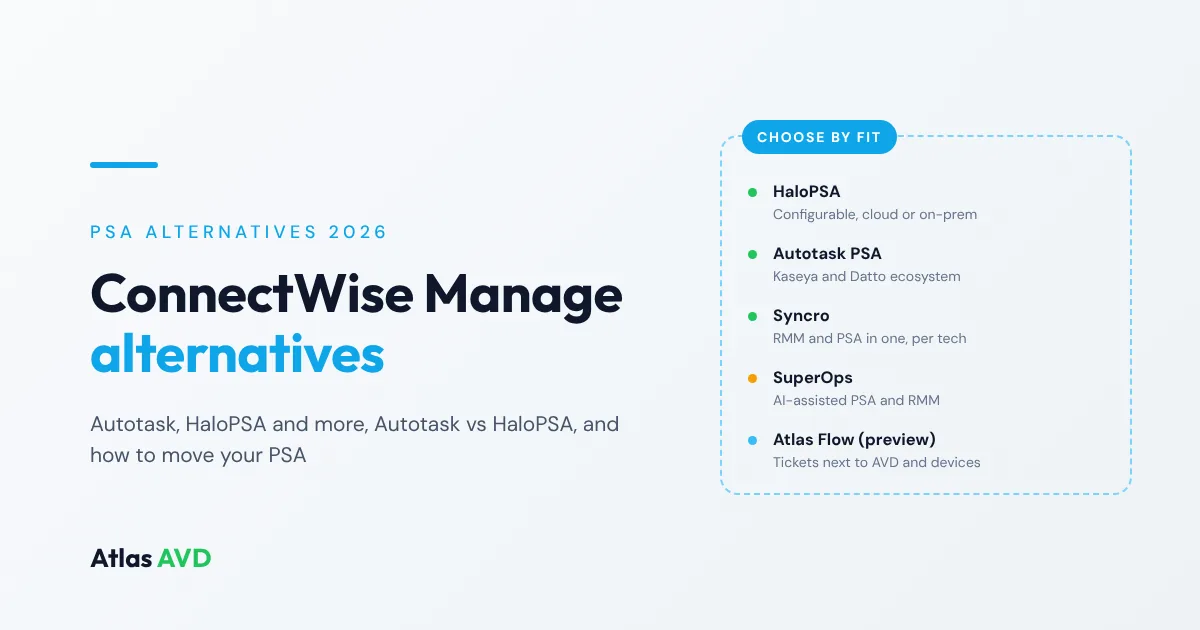
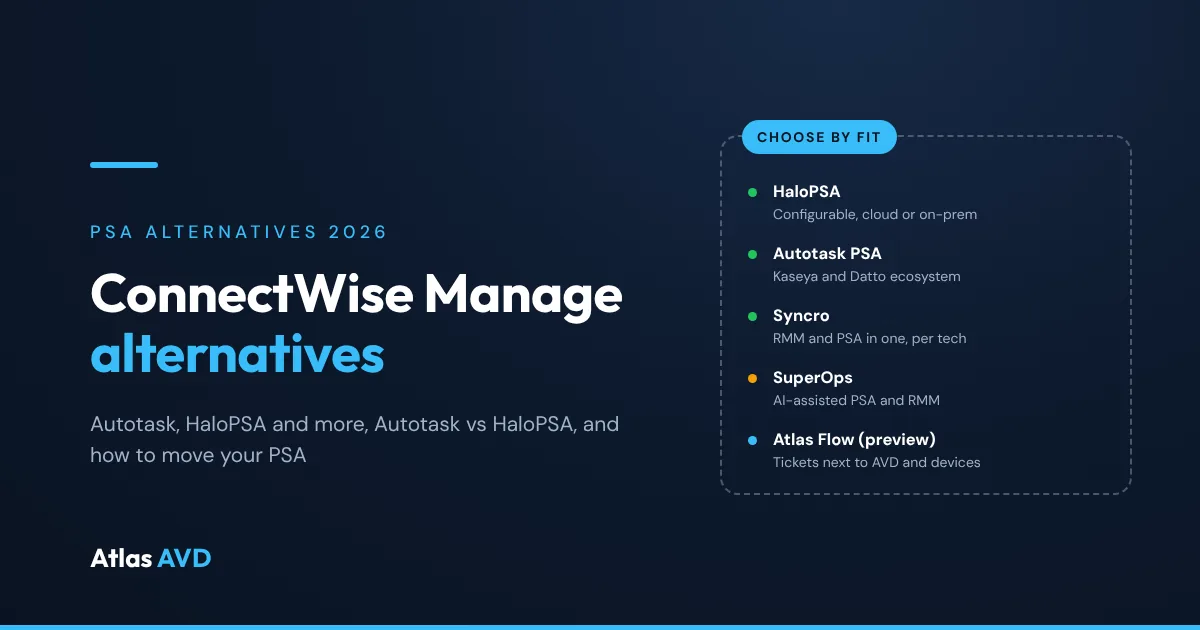
The main ConnectWise Manage alternatives for MSPs are Autotask PSA, HaloPSA, Syncro and SuperOps, with Atlas Flow as a newer option built into Atlas AVD. Autotask fits MSPs moving into the Kaseya and Datto ecosystem, HaloPSA is the closest full-featured, RMM-independent replacement and can still run on-premises, and Syncro and SuperOps combine PSA and RMM in one product. Atlas Flow puts tickets, time and billing next to the Azure Virtual Desktop estates and devices they're about, and can sync tickets both ways with ConnectWise while you move.
The short version: Choose HaloPSA if you want a configurable, all-features-included PSA that isn't tied to an RMM vendor, or you need private-cloud or on-premises hosting. Choose Autotask PSA if you run, or are moving to, Datto RMM and IT Glue. Choose Syncro if you're a smaller MSP that wants RMM and PSA in one tool, priced per technician. Choose SuperOps if you want an AI-assisted PSA and RMM from one vendor. Choose Atlas Flow if your clients run on Azure and AVD and you want tickets in your own tenant beside the desktops and devices; it's in preview.
What ConnectWise Manage does, and why MSPs look elsewhere
ConnectWise PSA, formerly ConnectWise Manage and still searched for under that name, combines ticketing, project management, time tracking and billing. ConnectWise's pages also describe sales and quoting, agreements, billing reconciliation and accounting integrations, and the ability to turn RMM alerts into tickets. ConnectWise documents both cloud and on-premises deployments, and has announced a version of the PSA on its Asio platform. It pairs most naturally with ConnectWise Automate, ConnectWise RMM and ScreenConnect.
MSPs usually start looking at alternatives for one of these reasons:
- Their RMM is from another ecosystem. PSA-to-RMM integration is where most daily friction lives, and an MSP on Datto RMM, NinjaOne or N-able may want a PSA built around it.
- Configuration and administration time. A long-established PSA with deep agreement and billing options takes effort to set up and keep tidy.
- Hosting. Some MSPs want to stay on-premises or in a private cloud; others want to stop running a PSA server at all.
- One tool instead of two. Smaller MSPs often want RMM and PSA in a single product with a single bill.
- Licensing and renewal terms. Seats for occasional users, such as finance or sales staff, add up.
If none of those apply, ConnectWise PSA may well be the right tool for you. If one does, read on. For the full selection criteria behind this list, see our PSA software buyer's guide.
The alternatives
Each vendor is summarized from its own product pages and documentation, checked on 9 November 2026; the sources are listed at the end. We don't quote prices, because most are set by quote.
1. HaloPSA
HaloPSA describes itself as "an all-inclusive PSA built specifically for MSPs". It covers ticketing, SLAs, contracts, asset tracking, projects, CRM, time tracking, finance and billing, no-code workflows, a self-service portal and reporting, plus problem, change and major incident management. It's available in Halo's cloud, a private cloud or on-premises, lists 250+ integrations (including QuickBooks, Xero, Sage, NinjaOne, N-able N-central and Pax8), and is priced per named technician with all features included as standard.
Choose it over ConnectWise when: you want a full-featured PSA that's independent of any RMM vendor, with every feature in one licence, or you need private-cloud or on-premises hosting. Check: how much configuration you'll do up front; a flexible PSA takes time to set up well.
2. Autotask PSA
Autotask PSA is Kaseya's PSA, which Kaseya says was "born in the cloud". It brings tickets, time, projects and service activity into one workspace, with AI-assisted ticket prioritization, assignment and summaries, capacity planning, contract management, automated billing for labor, contracts and expenses, and a mobile app. It integrates with Datto RMM and IT Glue, connects to QuickBooks, and Kaseya says it works with 170+ tools through an open API. It's sold on its own or as part of the Kaseya 365 Ops subscription.
Choose it over ConnectWise when: you're standardized on, or moving to, Datto RMM, IT Glue and the wider Kaseya ecosystem. Check: whether the bundle or standalone licensing fits you, how its integrations work with an RMM outside the Kaseya family, and that you're comfortable with a cloud-only PSA.
3. Syncro
Syncro is a combined platform: RMM (monitoring, scripting, patching and remote access) and PSA (ticketing, billing and invoicing, and user portals) in one product, with Microsoft 365 and Entra ID management. It's priced per technician with unlimited endpoints, and both MSP plans include the RMM and PSA.
Choose it over ConnectWise when: you're a small or growing MSP that wants one tool for RMM and PSA and per-technician pricing. Check: whether it handles the agreement types you sell today, and whether its integrations cover your documentation and accounting tools.
4. SuperOps
SuperOps now leads with endpoint management for IT and MSP teams, and offers an AI-powered PSA with AI-assisted ticketing, invoicing and contract management, project management and business intelligence. Its MSP products are sold standalone or as a bundled PSA and RMM.
Choose it over ConnectWise when: you want a modern PSA and RMM from one vendor with AI features built in. Check: which features belong to the PSA, the RMM or a bundle, and how each is licensed.
5. Atlas Flow
Atlas Flow is the ticketing, task and project module built into Atlas AVD, the platform that runs your clients' Azure Virtual Desktop estates. It's deployed with Atlas into your own Azure subscription. Tickets carry their requester, priority, status, team, assignee, custom fields and checklist, and link straight to the Atlas Reach devices, alerts, remote sessions and Atlas Vault documentation they're about.
- Email to ticket: connect a support mailbox in Exchange Online and every new email opens a ticket; replies thread onto it.
- Tickets from problems Atlas detects: automation rules open a ticket when an alert fires, a device goes offline, a check fails or a deployment fails, and resolve it when the problem clears.
- Time and billing: time from tickets, tasks and projects, with approval; agreements covering time and materials, retainers, prepaid hours, managed services, fixed fees, included hours and overage; invoices exported as PDF or CSV or emailed to the client.
- ConnectWise alongside: if you run ConnectWise Manage today, Atlas syncs tickets with it both ways, so you can adopt Flow gradually or keep ConnectWise as the system of record. The ConnectWise Manage integration also maps tenants to companies and keeps your host pools, session hosts and images as ConnectWise configurations.
Flow is included on the Atlas AVD plan with unlimited technician seats.
Choose it over ConnectWise when: your clients run on Azure and AVD and you want tickets, devices, desktops and documentation in one console in your own tenant, without paying per technician. Check: it's in preview; accounting sync with QuickBooks Online and Xero isn't connected yet; it needs the Atlas platform rather than running standalone; and it doesn't yet have the depth of procurement, quoting and CRM that established PSAs offer.
Autotask vs HaloPSA
Autotask and HaloPSA are the two PSAs MSPs leaving ConnectWise shortlist most often. Both cover ticketing, time, contracts, projects and billing; the differences are in hosting, ecosystem and licensing.
| Autotask PSA | HaloPSA | |
|---|---|---|
| Hosting | Cloud | Cloud, private cloud or on-premises |
| Ecosystem | Kaseya and Datto: Datto RMM, IT Glue, Kaseya 365 | Independent of any RMM vendor |
| Integrations (vendor-stated) | 170+ tools through an open API; QuickBooks | 250+, incl. QuickBooks, Xero, Sage, NinjaOne, N-able N-central, Pax8 |
| Licensing (vendor-stated) | Standalone or in Kaseya 365 Ops | Per named technician, all features included |
| Beyond the core PSA | AI-assisted prioritization, assignment and summaries; capacity planning; mobile app | CRM, no-code workflows, problem, change and major incident management |
In short: Autotask suits MSPs that run Datto RMM and IT Glue and want the Kaseya ecosystem to fit together. HaloPSA suits MSPs that want a configurable PSA they can pair with any RMM, or need to host it themselves. If your clients are on Azure and you'd rather keep tickets in your own tenant, Atlas Flow is the other route, and it has preview connectors for both Autotask and HaloPSA so Atlas can open tickets in either while you decide.
HaloPSA alternatives
MSPs looking past HaloPSA usually want less to configure, a tighter link to one RMM, or a single tool. The main alternatives are:
- ConnectWise PSA: long-established, with deep agreement and billing options, and the natural pair for ConnectWise Automate, ConnectWise RMM and ScreenConnect. It also offers on-premises deployment.
- Autotask PSA: cloud-only, and the natural pair for Datto RMM and IT Glue.
- Syncro or SuperOps: RMM and PSA in one product, which removes an integration to maintain.
- Atlas Flow: tickets, time and billing in your own Azure tenant next to the desktops and devices, for MSPs whose clients run on Azure and AVD. Atlas also has a preview HaloPSA connector that opens Halo tickets from Atlas alerts and automation rules, so you don't have to move everything at once.
Whichever you choose, check that the agreement types and billing rules you've built in Halo can be rebuilt, and run a month's billing in parallel before you switch.
ConnectWise Manage alternatives at a glance
| PSA | Hosting | Pairs most naturally with | Licensing model (vendor-stated) | Choose it when |
|---|---|---|---|---|
| ConnectWise PSA | Cloud or on-premises | ConnectWise Automate, ConnectWise RMM | See ConnectWise | (the baseline) |
| HaloPSA | Cloud, private cloud or on-premises | Independent; 250+ integrations | Per named technician | You want configurable, RMM-agnostic, or self-hosted |
| Autotask PSA | Cloud | Datto RMM, IT Glue, Kaseya 365 | Standalone or in Kaseya 365 Ops | You're in the Kaseya ecosystem |
| Syncro | See Syncro | Its own RMM | Per technician, unlimited endpoints | You want one tool for RMM and PSA |
| SuperOps | See SuperOps | Its own RMM | See SuperOps | You want AI-assisted PSA and RMM from one vendor |
| Atlas Flow (preview) | Your own Azure subscription | Atlas Reach, Atlas Vault, Atlas AVD | Included on the Atlas AVD plan, unlimited technicians | Your clients run on Azure and AVD |
How to move off ConnectWise Manage
- Inventory what you have: companies, contacts, sites, configurations, agreements and their additions, products, boards, statuses, open tickets, and which tools write into ConnectWise today (your RMM, documentation and accounting).
- Decide what moves. Open tickets, active agreements and configurations usually do; years of closed tickets may be better archived than imported. Ask each vendor what it can import.
- Rebuild agreements and billing rules, then run one month's billing in parallel and compare invoices line by line.
- Reconnect your RMM and documentation before go-live, so alerts and devices land on the right company. If your RMM is ConnectWise Automate, see how that changes too in Atlas Reach vs ConnectWise Automate and our NinjaOne alternatives roundup of RMMs.
- Switch email-to-ticket last, once queues and SLAs are tested, then check your notice period before the renewal date.
If you're moving to Atlas Flow, you don't have to cut over in one go: keep the two-way ConnectWise ticket sync running, let tickets that start in Atlas live in Flow, and move clients across as you're ready.
FAQ
What is the best alternative to ConnectWise Manage?
It depends on why you're moving. HaloPSA is the closest full-featured, RMM-independent replacement and can run on-premises. Autotask fits MSPs in the Kaseya and Datto ecosystem. Syncro and SuperOps fit MSPs that want RMM and PSA in one tool. Atlas Flow fits MSPs whose clients run on Azure and AVD and who want tickets in their own tenant.
Is ConnectWise Manage the same as ConnectWise PSA?
Yes. ConnectWise Manage is the former name of ConnectWise PSA, and many MSPs and integrations still use the old name.
Is HaloPSA better than Autotask?
They suit different shops. HaloPSA offers cloud, private-cloud and on-premises hosting, per-technician licensing with all features included, and no tie to an RMM vendor. Autotask is cloud-based and fits best with Datto RMM and IT Glue in the Kaseya ecosystem.
Which ConnectWise alternatives can be hosted on-premises?
Based on each vendor's documentation as of November 2026, HaloPSA offers on-premises and private-cloud deployment, as does ConnectWise PSA itself. Autotask PSA is cloud-based. Atlas Flow runs in your own Azure subscription as part of Atlas AVD.
Can I keep ConnectWise while trying Atlas Flow?
Yes. Atlas syncs tickets with ConnectWise Manage both ways, so you can keep ConnectWise as the system of record and use Flow for tickets that start in Atlas, or move over gradually.
What are the alternatives to HaloPSA?
ConnectWise PSA, Autotask PSA, Syncro, SuperOps and Atlas Flow. Check how each handles the agreement types and billing rules you've built in Halo before you move.
Last updated 18 November 2026. Vendor details are drawn from each vendor's public pages and documentation, checked on 9 November 2026: ConnectWise's PSA and Manage pages, its PSA cloud and on-premises documentation and its PSA on Asio announcement; Kaseya's PSA software and Datto's Autotask PSA pages; HaloPSA; Syncro and its pricing; and SuperOps's home page and PSA page. They're summarized in good faith; confirm current features and terms with each vendor. ConnectWise, Autotask, Kaseya, Datto, HaloPSA, Syncro and SuperOps are trademarks of their owners; this article is not affiliated with or endorsed by them. Atlas Flow is described as of November 2026.