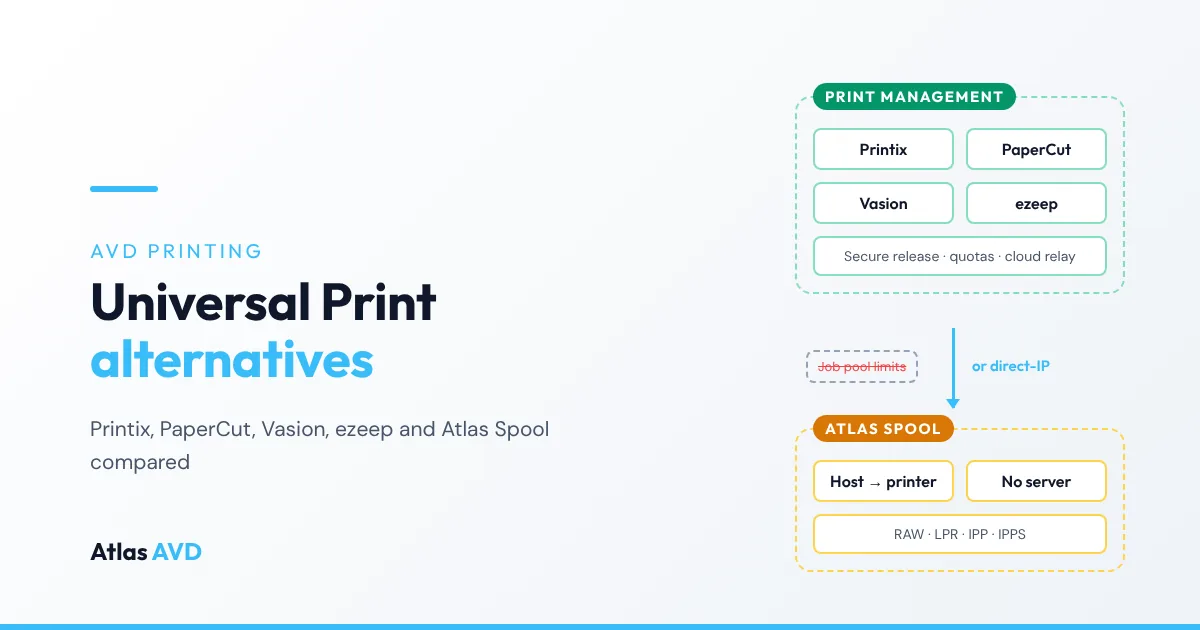
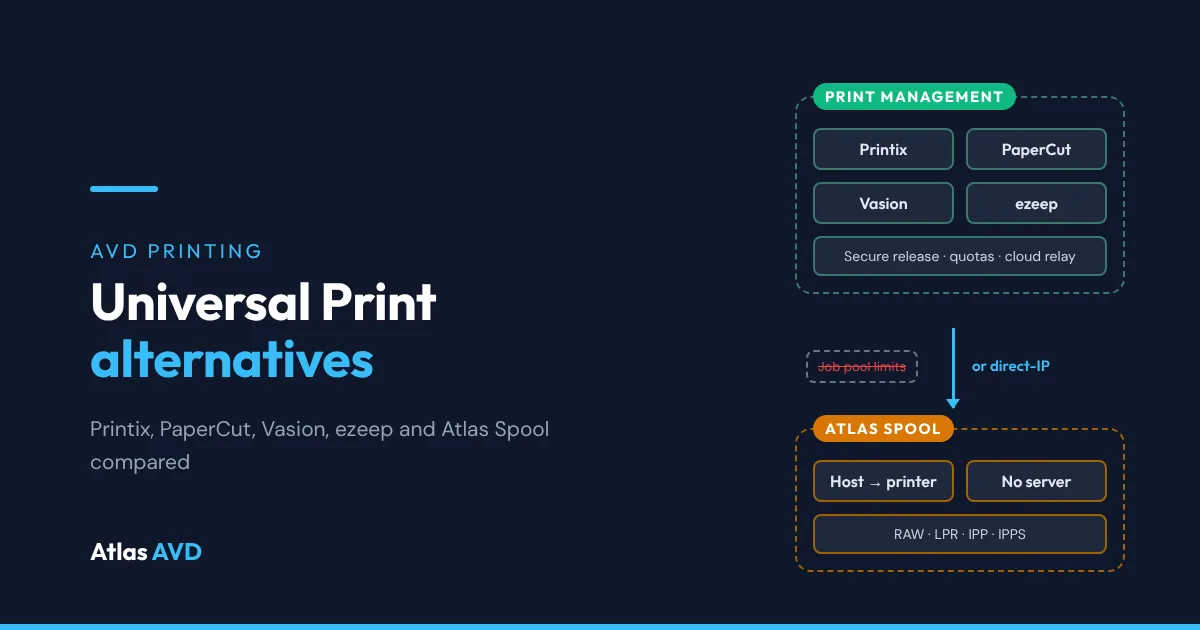
The main alternatives to Microsoft Universal Print are cloud print management services (Printix, PaperCut Hive and ezeep), print management platforms you can host yourself (PaperCut MF and NG, and Vasion Print), and managed direct-IP printing, where session hosts print straight to the printer with no service in the path (Atlas Spool). Which one fits your Azure Virtual Desktop (AVD) estate depends on three things: whether you need badge release, quotas or chargeback at the printer, how much you print against Universal Print's pooled job allowance, and whether your session hosts can already reach your printers over your own network.
The short version: keep Universal Print if your licences already include enough jobs and its QR code or PIN release is all the release you need. Choose Printix, PaperCut MF or Vasion Print if you need badge release, print quotas or charging. Choose managed direct-IP printing such as Atlas Spool if your session hosts have a route to the office printers and you want no print server, no cloud relay and no per-user print licence. Check multi-session support before you buy: PaperCut Hive and Pocket, for example, don't support AVD multi-session hosts.
This guide is vendor-neutral until the section on Atlas Spool. For the underlying printing models (RDP redirection, print servers, Universal Print and direct-IP) and how RAW, LPR and IPP differ, start with printing in Azure Virtual Desktop without a print server.
Universal Print in one table
Universal Print is Microsoft's cloud print service. Printers register with it directly, if they support it, or through the Universal Print connector on a Windows machine near them, and users add them from Windows. Each job goes from the device to the Universal Print service in Azure and then down to the printer.
| What Microsoft publishes | |
|---|---|
| Included with | Microsoft 365 E3, E5 and F3, Microsoft 365 Business Premium, Windows Enterprise E3 and E5, and the standalone Universal Print subscription |
| Print volume | A pool shared by the whole tenant. Each Microsoft 365 E3, E5 or Business Premium licence adds 100 jobs a month; F3, Windows Enterprise and standalone licences add 5 |
| What counts as a job | One document, whatever its page count, copies, colour or duplex |
| Going over | Users keep printing; the administrator gets an alert and is expected to buy add-ons: 500 jobs for $25 a month or 10,000 jobs for $300 a month |
| Printers without native support | Need the Universal Print connector on a Windows machine that can reach them |
| Secure release | QR code or PIN release at the printer, and pull printing with Universal Print anywhere |
| AVD multi-session | Microsoft's AVD improvements apply to Windows 11 multi-session 22H2 and later |
Why teams look for an alternative
Universal Print is a reasonable default for an estate already on Microsoft 365 E3 or E5. The reasons people search for something else are usually one of these:
- The job pool is small for their licence mix. A frontline or Windows Enterprise estate earns 5 jobs per licence a month, not 100, and a busy finance or logistics team can spend that in days.
- Most printers aren't native. Every printer without Universal Print support needs a connector host, which is a Windows machine you run, patch and keep online at each site.
- Every job leaves the network. Jobs go up to the cloud service and back down to the printer, even when the session host and the printer sit on the same private network.
- They need more than QR code release. Badge and card release, hard page quotas and departmental charging are what dedicated print management products are built for.
- Not everything prints from Windows. Mixed fleets of Macs, Chromebooks and guest devices push teams towards a print management product that covers them.
The alternatives at a glance
| Product | Type | Server you run | Where jobs travel | Secure release | AVD multi-session | Priced |
|---|---|---|---|---|---|---|
| Microsoft Universal Print | Microsoft cloud service | Connector host for non-native printers | Device → Universal Print in Azure → printer | Yes: QR code or PIN, and pull printing | Windows 11 multi-session 22H2 and later | Included with many Microsoft 365 licences, plus job add-ons |
| Printix (Tungsten Automation) | Cloud print management (SaaS) | None | Processed on the computer, sent to the printer; held jobs can be kept in your own Azure Blob Storage | Yes: browser, phone or tablet, or card and PIN with Printix Go on the printer | Printix lists AVD support | Per-user subscription |
| PaperCut MF and NG | Print management you host | PaperCut application server, plus print servers or Print Deploy | Through your print queues, or direct from the computer with Print Deploy | Yes, with MF adding release on the printer's own panel | PaperCut positions Print Deploy for virtual desktops, AVD included | Licence through PaperCut partners |
| PaperCut Hive and Pocket | Cloud print management (SaaS) | None | Direct on the local network, coordinated from the cloud | Yes | No: PaperCut supports persistent, single-session VDI only | Subscription through PaperCut partners |
| Vasion Print (formerly PrinterLogic) | Serverless direct-IP print management | None for the SaaS edition; a virtual appliance if you host it | Direct from the computer to the printer | Yes, including phone and QR code release | Vasion lists AVD among its virtual desktop integrations | Subscription |
| ezeep (ThinPrint) | Cloud print service, launched for AVD | A connector at each site | Session → ezeep cloud → connector → printer | Pull printing on its higher tiers | Built for AVD | Per-user subscription, free for up to 10 users |
| Atlas Spool | Managed direct-IP printing in Atlas AVD | None | Direct from the session host to the printer | No | Yes, pooled and personal host pools | 5 units per managed printer a month, on every Atlas AVD plan including Community |
Two patterns come out of that table. Where the job travels decides your bandwidth and your exposure: anything that relays jobs through a cloud service sends every page across the internet and back, while direct-IP keeps them on your network. Release at the printer decides your shortlist: if jobs must be held until the user is standing at the printer, you need a product that holds jobs, which rules out plain direct-IP printing. If badge release, hard quotas or chargeback are on the list too, that narrows it to the dedicated print management products.
The alternatives, one by one
Printix
Printix is a cloud-native print management service from Tungsten Automation (formerly Kofax). A Printix Client on each computer handles the printing, and Printix says print processing is done locally and documents stay on your network or in your own cloud storage, with pending documents kept in your Azure Blob Storage. Release is from a browser, phone or tablet, or by card or ID code at a printer running Printix Go.
- Good for: organisations that want secure release and cloud management without a print server, and want held jobs to stay in their own Azure storage.
- Watch out for: another agent on every host and another per-user subscription. Check how the Printix Client behaves on your multi-session hosts in a pilot, with several users printing at once.
PaperCut MF and NG
PaperCut NG and MF are the long-standing print management platforms: print tracking, quotas, charging and secure release, with MF adding release and scan apps on the printer itself. You run the PaperCut application server. Print Deploy pushes printers and drivers to computers, and PaperCut positions it for virtual desktops, AVD included. PaperCut also offers a connector that lets MF and NG manage Universal Print jobs, if you want to keep Universal Print as the transport.
- Good for: schools, universities and enterprises that charge printing back to departments or need quotas and release on the device.
- Watch out for: you host and patch the PaperCut server, which is the kind of infrastructure many AVD projects set out to remove.
PaperCut Hive and Pocket
Hive and Pocket are PaperCut's cloud-native products, with no server to run. They aren't a fit for most AVD estates today: PaperCut's own guidance says "PaperCut Hive and Pocket support persistent, single-session VDI only", and lists multi-session hosts, AVD multi-session included, and non-persistent desktops as unsupported. If your AVD users share pooled multi-session hosts, look at MF or NG instead.
Vasion Print
Vasion Print, formerly PrinterLogic, is the best-known serverless direct-IP platform. An admin console defines printers and deployment rules, a client on each computer installs them, and jobs go straight to the printer. It adds secure release, mobile and off-network printing, and usage reporting with quotas, and comes as SaaS or as a virtual appliance you host.
- Good for: large, multi-site estates that want direct-IP printing plus secure release and reporting in one product.
- Watch out for: another vendor and agent on every session host, on a subscription separate from your AVD tooling.
ezeep
ezeep is ThinPrint's cloud print service, which ThinPrint launched for AVD when it was still called Windows Virtual Desktop. The ezeep Print App runs on the virtual desktop, and a connector at each site delivers jobs to the printers there. Jobs are compressed and sent through the ezeep cloud to the connector. Its free tier covers up to 10 users with one connector; pull printing and admin-assigned printers are on its paid tiers.
- Good for: small and mid-sized AVD estates whose session hosts have no network route to the office printers.
- Watch out for: like Universal Print, every job travels through a cloud service, and each site needs a connector.
Doing it yourself
Two options need no new product. A Windows print server keeps central queues and drivers but puts a server back in the path, and if it sits in Azure while the printers sit in a branch, every job crosses the WAN twice. Direct-IP printers by Group Policy or script need no server but leave you keeping every host's drivers and printers in sync by hand. Printing without a print server compares both in detail.
Where Atlas Spool fits
Atlas Spool is the printing module of Atlas AVD. It takes the direct-IP route and does the part that makes direct-IP hard by hand: getting the right printer and driver onto the right host for the right user, and taking them off again.
- No print server and no relay. Jobs go straight from the session host to the printer over your network. Atlas never receives, spools or relays document data.
- RAW, LPR, IPP and IPPS. Each printer is defined once: address, port, protocol and driver. IPP printers install with Windows' built-in IPP class driver, so they need nothing from the driver repository.
- One driver repository. Every RAW or LPR printer installs from the Driver repository: built-in universal drivers from Microsoft, HP, Xerox, Canon, Ricoh, Konica Minolta, Lexmark, Kyocera, Brother, Epson and Zebra, plus your own packages. A printer whose driver isn't in the repository can't be saved, so a bad driver never reaches a host.
- Assign by host pool, host, user, group or site. Deploy a printer to a host pool, a session host or device, an Atlas Reach device group, a user, an Entra ID group or a Site (by network range), and mark it as the default. The agent already on each host installs what applies, sets each user's default and removes what no longer applies.
- Self-service. Mark an assignment self-service and users add the printer themselves from Add printers… in the Atlas Reach tray icon, from a list or a Floor map of the office.
- Rollout health. Every host reports each printer as installed, failed or removed, with the driver or connection error, so a missing printer is a specific error rather than a ticket.
- Usage reports, if you want them. With print job tracking switched on (it's off by default), the Usage tab shows pages by user, printer, host, host pool or location, with colour and duplex splits, per-page costs and soft monthly page quotas. Atlas collects job metadata only, never document content.
- Discovery from Atlas Reach. Reach agents report the printers already configured on your Windows devices, and Convert to Managed turns one into a managed printer without retyping it.
What Atlas Spool is built for
| Your situation | Atlas Spool |
|---|---|
| Session hosts with a route to the office printers (site-to-site VPN, ExpressRoute or the same network) | Built for this: the shortest path, with nothing in between |
| You want to stop counting print jobs against a licence pool | Spool counts managed printers, not jobs or users |
| You already manage AVD with Atlas | Printers live next to the host pools, images and users they serve |
| You need jobs held for release at the printer, or quotas that stop printing | Spool sends jobs directly, so there's no held job to release; its quotas warn. Pair it with a secure release product for the printers that need one |
| Home workers printing to their own printers | Leave RDP printer redirection on for them, alongside Spool for the office |
Pricing
Atlas Spool is available on every Atlas AVD plan, including Community. It uses 5 units per managed printer a month, drawn from the same pooled unit allowance as the other metered modules, and print jobs and users aren't counted. The pricing page has the current rate.
How to choose
| If you need | Look at |
|---|---|
| Nothing beyond what Microsoft 365 E3 or E5 already includes, QR code release included | Universal Print |
| Badge release at the printer, hard quotas or chargeback | Printix, PaperCut MF or NG, or Vasion Print |
| Printing from AVD multi-session hosts | Check every vendor's multi-session support first: PaperCut Hive and Pocket don't support it |
| Printing to offices your session hosts can't reach over the network | A cloud relay: Universal Print or ezeep |
| No print server, no cloud relay and no per-user print licence | Managed direct-IP printing, such as Atlas Spool |
| Fewer agents on your session hosts | A tool that uses an agent you already run: Atlas Spool uses the Atlas AVD agent |
Before you switch
- Export a month of usage from the Universal Print portal's Usage and Reports page, so you know your real job volume per site.
- List every printer with its model, site, IP address and whether it supports Universal Print natively or IPP. Driverless IPP printers are the easiest to move to any product.
- Check the network path. Direct-IP printing needs a route from the session host subnet to each printer and its port (9100, 515 or 631) open on the way.
- Decide on release at the printer per printer, not for the whole estate. Often only a handful of shared devices need it.
- Pilot on a multi-session host pool with several users printing at once, then run the new printers alongside the old ones before you remove anything.
Moving from Citrix at the same time? The Citrix Universal Print Driver and Universal Print Server don't come across to AVD, so settle printing early: Citrix to AVD migration covers the rest of the plan.
FAQ
What is the best alternative to Universal Print?
It depends on what you need. For badge release, hard quotas and chargeback, look at Printix, PaperCut MF or NG, or Vasion Print. For AVD session hosts that can reach the office printers, managed direct-IP printing such as Atlas Spool removes both the print server and the cloud relay. Where hosts can't reach the printers, a cloud service such as ezeep or Universal Print itself is the simpler fit.
Is Universal Print free with Microsoft 365?
It's included with Microsoft 365 E3, E5, F3 and Business Premium, and with Windows Enterprise E3 and E5, with a monthly job pool for the tenant: 100 jobs per Microsoft 365 E3, E5 or Business Premium licence, and 5 per F3, Windows Enterprise or standalone licence. Above that, Microsoft sells add-ons of 500 or 10,000 jobs a month.
What happens when you go over the Universal Print job allowance?
Users can keep printing. The administrator gets an alert, and Microsoft expects you to buy enough licences or job add-ons to cover your usage. A job is one document, whatever its number of pages or copies.
Does PaperCut Hive work with Azure Virtual Desktop?
Only on persistent, single-session desktops. PaperCut says Hive and Pocket support persistent, single-session VDI only, and lists AVD multi-session hosts and non-persistent desktops as unsupported. PaperCut MF and NG, with Print Deploy, are its products for virtual desktops.
Can AVD print without Universal Print or a print server?
Yes. Session hosts can print straight to a printer's IP address over RAW (port 9100), LPR (515) or IPP (631), as long as they have a network route to it. A tool such as Atlas Spool, Vasion Print or Printix keeps those printers and drivers consistent across hosts and users.
Does Atlas Spool support secure release printing?
No. Atlas Spool sends jobs straight from the session host to the printer, so there's no held job to release. Its opt-in usage reports include soft page quotas that warn rather than block. If some printers need release at the device, run a secure release product for those printers alongside Spool.
Does Atlas Spool see my documents?
No. Jobs go straight from the session host to the printer, and Atlas never receives, spools or relays document data. If you switch on print job tracking, the agent reports metadata only: who printed, on which printer, when, pages, copies, colour and duplex.
Last updated 19 November 2026. Product details are taken from each vendor's own documentation as of November 2026: Microsoft's Universal Print licensing and printing on Azure Virtual Desktop using Universal Print on Microsoft Learn, Printix for Microsoft Azure, PaperCut's Using PaperCut Hive and Pocket with VDI, Vasion Print, ezeep pricing and Microsoft's Universal Print what's new. Vendors change their products and plans often, so check the current details before you buy.